
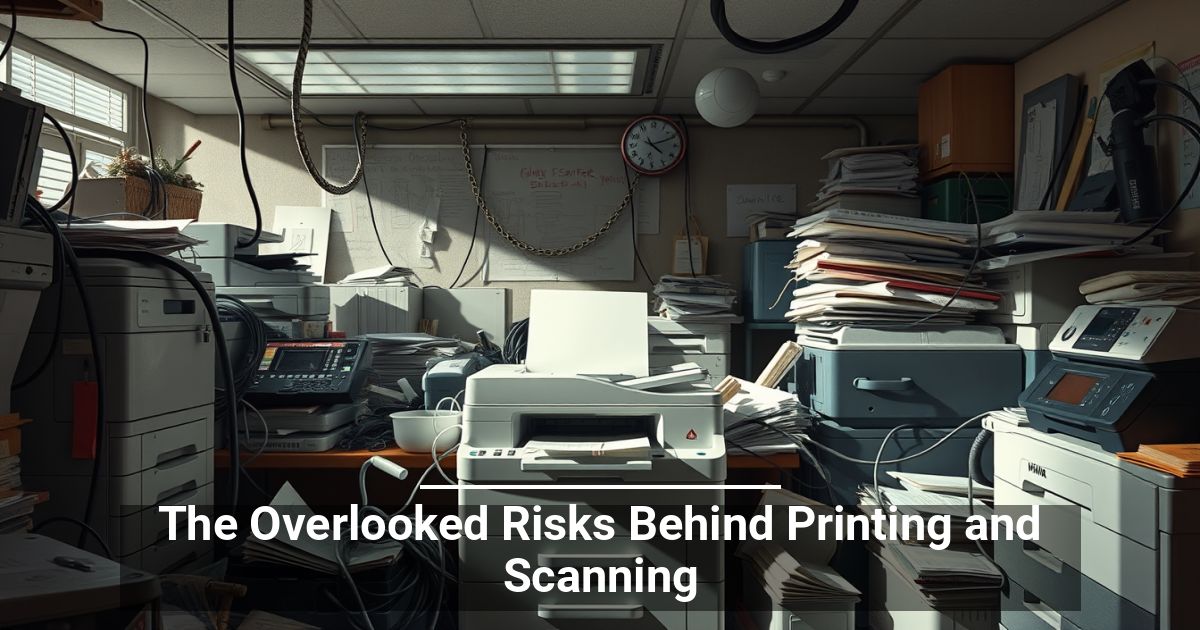
 Are your everyday office appliances really as harmless as they look? Learn about these print and scanning risks before they impact your establishment.
Your Printer Is Part of the Digital Office Environment
Practically every industry, from law to finance, runs on connected technology. Computers, cloud platforms, smartphones, and other devices constantly exchange information across your network. Many modern printers and scanners are part of this ecosystem, too.
When an employee hits "Print," the document may move through a print queue, cross the network, reach the device, and potentially remain on internal storage. Scanned documents can also follow similar digital paths.
That changes how businesses should view these devices. A printer is no longer an isolated device but a networked endpoint that introduces document security and compliance risks.
Where Can Print Security Go Wrong?
The risks aren't always obvious. Some are surprisingly mundane, while others involve the technology running behind the scenes:
- Unattended documents: An employee sends a confidential file to a shared printer and gets pulled into another task. The pages sit in the output tray, available for anyone nearby to read or take.
- Unsecured network traffic: Print jobs travel across your network. Without appropriate security controls, attackers may intercept information in transit between devices.
- Stored document data: Many modern multifunction devices use internal storage to process jobs. Depending on the device, copies of documents may remain after printing or scanning.
- Third-party exposure: Managed print services can improve administration, but they may also introduce additional connections or access points. Businesses need to understand how vendors handle their data and network access.
- Outdated firmware: Like other networked devices, printers can contain software vulnerabilities. Failing to apply available firmware updates might leave known weaknesses unaddressed.
What Does Secure Printing and Scanning Look Like?
You don't need to abandon useful devices to avoid the risks associated with printing and scanning. A few practical controls can close common gaps.
Require User Authentication
Use PINs, badges, or other authentication methods to make sure only authorized employees can release sensitive print jobs. Secure pull printing keeps documents in a queue until the correct user reaches the device.
Encrypt Sensitive Data
Protect information while it travels across your network and, where supported, while it sits on device storage. Encryption helps reduce the damage if someone gains unauthorized access.
Keep Firmware Updated
Many print security risks stem from obsolete software. Establish a regular patching schedule and apply manufacturer security updates when available.
Control Access
Limit administrative privileges and printer functions to people who actually need them. Role-based permissions can help prevent unauthorized printing, copying, or scanning.
Secure Retired Devices
Before replacing a printer, determine whether it contains internal storage. Properly wipe or destroy that storage so sensitive information doesn't leave with the hardware.
Train Your Team
Technology can't fix every human mistake. Teach employees to promptly collect documents, handle sensitive pages carefully, and report potential data breaches.
Strengthen Your Print Fleet Security
Your cybersecurity strategy should cover more than computers and cloud accounts. Account for print and scanning risks as well. Give these devices the same attention, and you can close a surprisingly easy-to-miss gap in your defenses.